 Nederlands


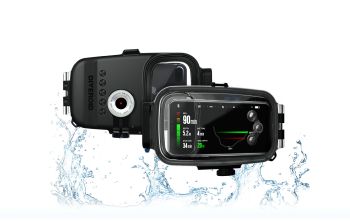
The Diveroid UniversalPro smartphone underwater housing turns your smartphone into an underwater camera with good image quality, a unique selfie mode and a large display. This is a very nice product for enthusiastic divers who do not like to dive with a large, expensive camera set-up. This is also an all-in-one dive computer, including a log and detailed information on photos (shows the depth at which the photo was taken), to make a clear overview registration of your dive profile. The maximum depth is 40 meters.
The housing is compatible with almost every smartphone
The underwater housing uses a Bluetooth connection. The set consists the UniversalPro underwater housing and a separate Diveroid Mini Bluetooth module, which needs to be mounted on the underwater housing. The UniversalPro underwater housing is made of polycarbonate, suitable for diving till 40 meters depth and suits on almost every modern smartphone, like the Apple Iphone 7 to 11Pro Max and the Samsung Glalaxy 7 to Galaxy S10+. It’s suited for all smartphones with a measurement of : height 138.1-162.8 mm, width 67-81.2 mm and thickness of 7-9 mm. Also the operating system will have to be higher than 6.0 Android or version 11.x for iOS. To be sure you can install the app to verify if this is compatible with your smartphone.
How to put your smartphone in the housing
Inside the housing there is a holder at the bottom, on the side and an adjustable holder on the upper side. The holder on the side can be fixed on three positions. When you have a smaller smartphone, you can adjust the holder a little bit to the left, to place the camera more central into the housing. The underwater housing has a large Gorilla Glass at the front to give the camera of the smartphone a clear view. The back side is completely transparent with a separated formed part on the left side. This is where the diving computer information is shown.
Technical details
There are three large control knobs on the right side separated by a large distance to make it also very good to control with thick gloves. The housing is provided with a double O-ring for extra security and the turning closure is provided with a safety switch to prevent unintentional openings. Remarkable is that the housing is also provided with a special cooling system. Five circled cooling plates discharge the heath in the house into the water, so the housing remains cool and condensation is prevented. The bottom is provided with three screw holes with English thread holes (so no tripod thread holes as usual) for the connection of the bottom tray, of which one will be already used for connection of the Diveroid module. The coldshoe is placed at the upper side for a connection of a small video lamp or another accessory.
The bluetooth module provides a connection to your smartphone
The Diveroid Mini is a small (4 cm) round module which contains a depth meter, a temperature sensor and communicates through bluetooth with the smartphone in the housing. The Diveroid Mini has one large control knob at the front and has a steady handle for connecting it to the outside of the underwater housing. The Diveroid Mini is provided with an internal battery for over 500 dives. Replacement of the battery can only be done by the dealer. The advantage is that there is no O-ring or closure, which needs attention/maintenance.
 Diving and snorkeling with your smartphone
First you need to install the Diveroid 2 app on your smartphone (from the Google Play store / App Store). Then you need to install the Diveroid Mini Bluetooth module in the app. The phone will have to be in flight mode and the Bluetooth will have to be switched ON. Then you can select the type of underwaterhousing: The UniversalPro. You will have to fill in the serial number of the housing which is mentioned on the inside of the case. In the menu under “Scuba Diving” you will find some extra settings for Nitrox percentages, salted or freshwater, your condition and units (meters or feet). Finally you can set the high-res mode. We have dived ourselves with a Samsung Galaxy S10 Smartphone and were able to choose 4K and two view angles (Ultra-Wide or wide). Smartphonecovers will have to be taken off, but a screenprotector can remain on the smartphone. By moving the adjustment holder a little bit up the smartphone can be easily placed between the two other holders and is very steady in the right position. Then press “START” in the app and by pressing the knob of the Diveroid Mini Bluetooth module, the module will be found and your set is ready for a dive !
The app starts in a diving computer mode, in which a compass, the depth and the temperature is shown. In this setting you smartphone is using the lowest energy. By pressing the upper button you will activate the camera. The diving computer will remain clear for reading on the left side in the image as overlay on the camera image. The screen of the smartphone is usually large which is great for underwaterphotography or video. Each of the three control knobs have two functions which you can activate by pressing the knob long or short. With the knob on the upper side you can select different camera angles. For the Samsung S10 you have five selections : Wide-angle, fish portrait, zoom, High-resolution and selfie-mode. The Samsung S10 has several cameras and the app will really use the Wide-angle when you choose the wide angle. Fish portrait and High-resolution will use the lens in the middle of the S10. The zoom-selection will result in a very digital zoomed image, also using the lens in the middle of the phone.
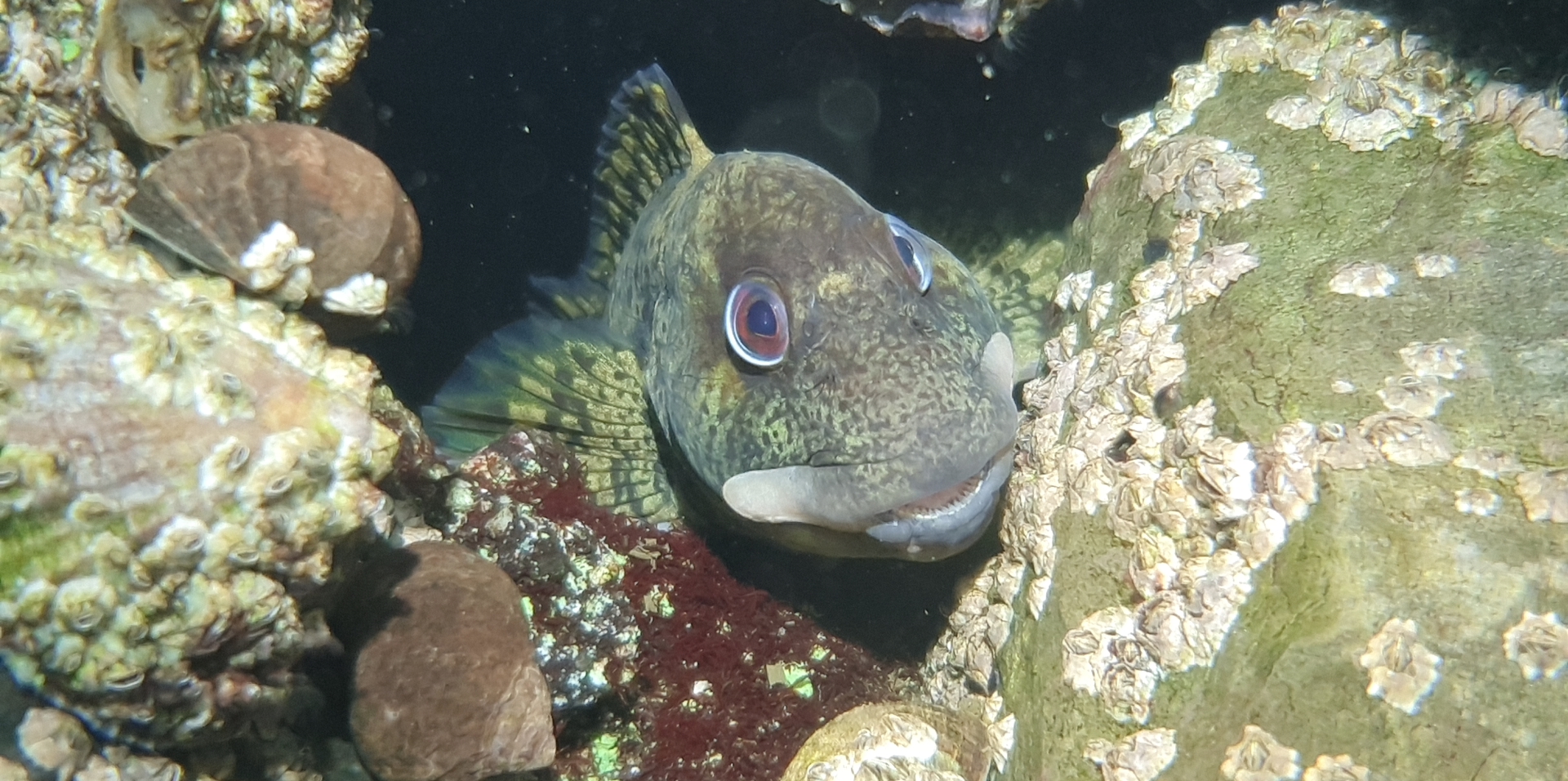
The selfie-mode activates the camera on the back, which result in very nice and unique images under water. With a short press on the knob in the middle you can make a picture. By pressing this button a little bit longer you will start a video recording. With the button on the bottom you can fine tune, but we did not need this in practice. A longer press on the bottom button activates the color correction program.
Automatic color correction
For our dark Dutch waters the automatic color correction of the camera is not optimal. The images become, to our opinion, unnatural and a little bit too orange, because they are optimized for blue water. However on some recordings it looks quite nice. You can also do this correction afterwards in the log. Unfortunately we are not able to try the Diveroid in tropical blue water at this moment due to Covid. We saw several colorfull videos on the internet of divers using the Diveroid housing in blue water. We hope we are able to use the Diveroid housing in tropical water ourselves soon!
After the dive
The quality of the photos and videos is good, especially when you make a shallow dive and there is enough ambient light. Fast focusing without any problems. When you make a deeper dive (in Holland) the recordings will become green. By adding some extra light (a small video light) to be fixed on top of the house, you will immediately get extra color and contrast in your view/images.
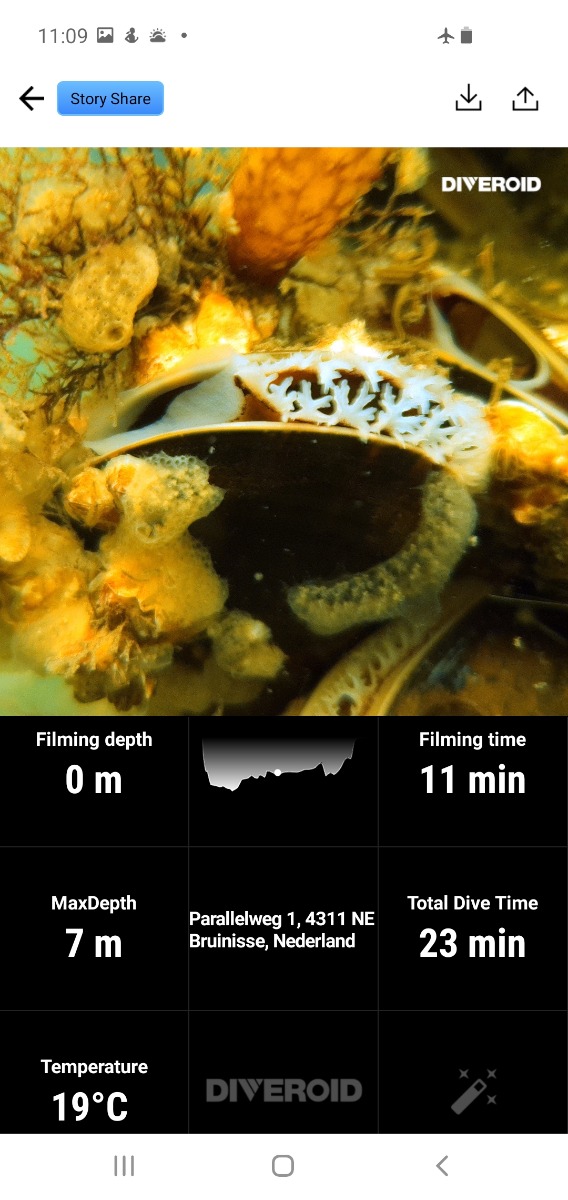 After the dive you must close the app with a special setting in the app itself. Then the dive will be stored. The log is clear and has an added value to this system. You select a dive and the app will show you immediately the complete diving profile, including location, time, temperature and max. depth. When you pick a point in your diving profile you will automatically see the photos and videos you made at that moment. This is what Diveroid means with a synchronized log. Here you can delete or favorite your photos.
When you are enthusiastic about your footage you can export them by an export setting to the gallery of your smartphone. Also you can “Story” them sharing on Facebook or Instagram. The app is working very stable and when you use the energy saving mode you can also use this when you are not making pictures, this will give you a very long lasting of the battery of the smartphone to make several dives.
Diving computer
The diving computer function is not meant to replace a regular divingcomputer, but it can make a very nice registration of you diving profile.
Questions?
Please just contact us at: [email protected] or call +31-(0)165-553944. We are happy to assist you.